How to create a group video gift that feels personal.

A group video gift works best when contributors know what to say, where to send it, and when the finished surprise will be shared.

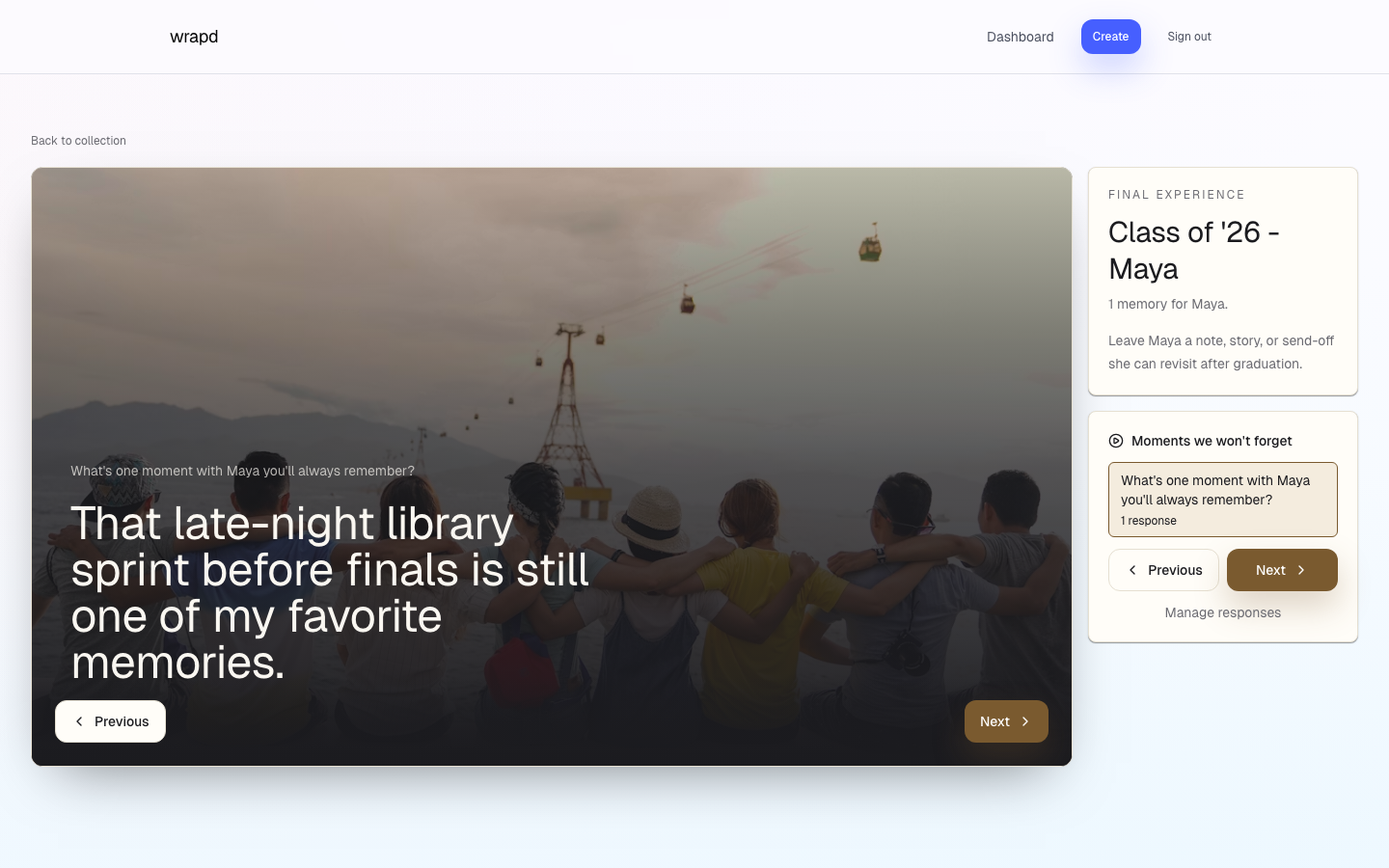
wrapd reveal screen with collected memories
7 min read2026-05-10

1. Choose the occasion and tone

A birthday video, farewell video, graduation tribute, and memorial video all need different prompts and pacing.

  • Name the recipient and occasion clearly.
  • Choose whether the tone should be funny, heartfelt, reflective, or celebratory.
  • Write prompts before sending the invite.

2. Give contributors options

Video can be powerful, but not every contributor wants to record one. A mixed-media gift lets more people participate.

  • Let confident contributors record short clips.
  • Let others add written memories or voice notes.
  • Ask for photos that add context to the story.

3. Review before the reveal

Reviewing responses helps keep the finished gift focused and protects the recipient from anything that does not fit.

When to use wrapd for a group video gift

Use wrapd when the group video gift should also include written stories, photos, and voice notes in a story-style reveal.

Common questions

Quick answers for planning this kind of group memory gift.

Can a group video gift include non-video responses?

Yes. A mixed-media collection can include written memories, photos, voice notes, and videos together.

How do you get more people to contribute?

Use clear prompts, one private link, and a deadline. People contribute faster when the ask is specific.

Keep reading

Related wrapd guides for collecting group memories.

Create a group video gift.

Collect every message with one link and reveal the finished keepsake when it is ready.